
If your card cannot be charged, or you want to use a different card, you can delete the old one and add a new one.
Delete the old card
- Log in with BankID at app.helseboka.no.
- Go to Settings → Subscriptions and purchases.
- Click the three dots in the top-right corner and select Payment method.
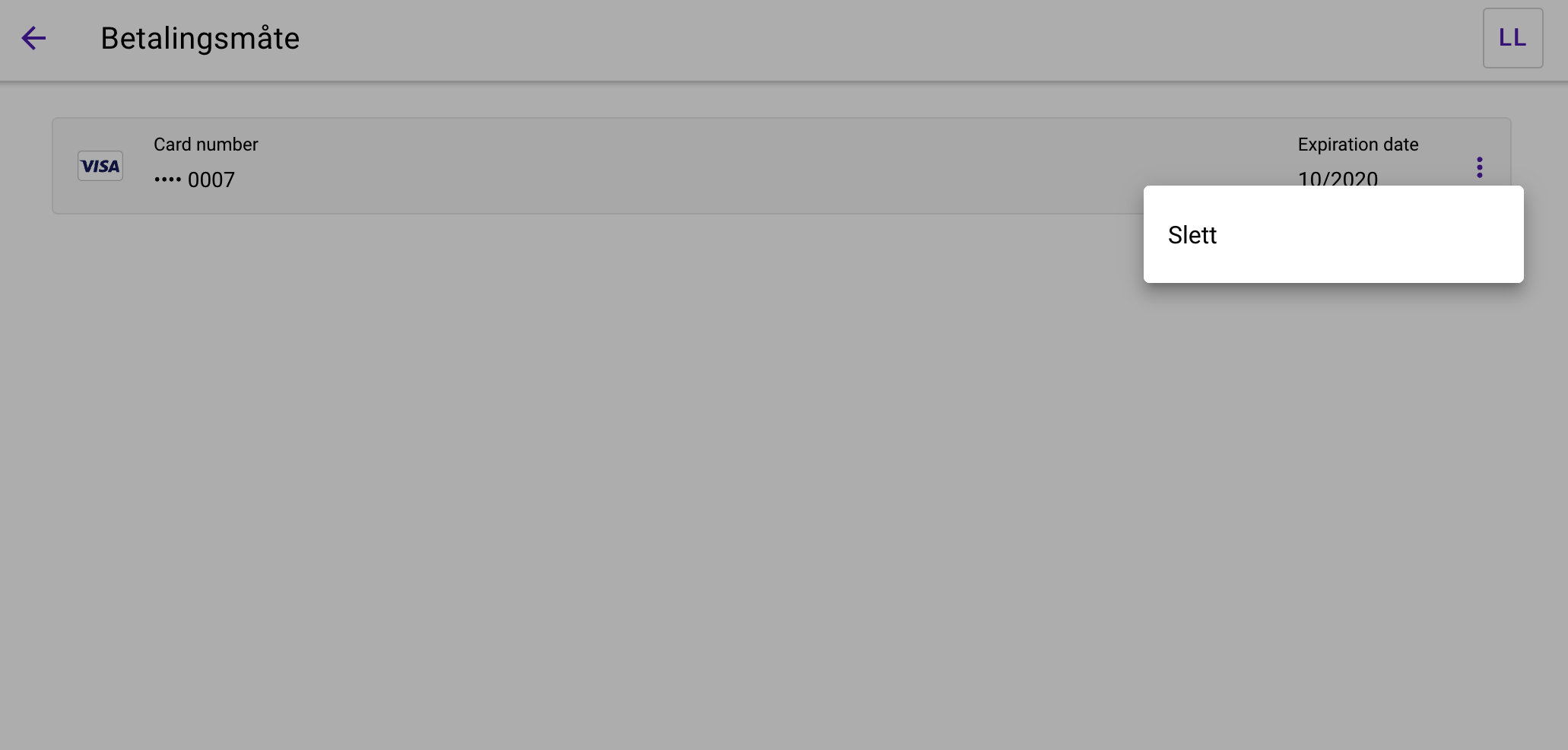
- Find the card you want to remove. Click the three dots to the right of the card and select Delete.
Add a new card
- Stay in the same menu: Settings → Subscriptions and purchases → Payment method.
- Click the plus button in the bottom-right corner.
- Enter the new payment card details and click Save.
Your new card is now ready to use. Do not send card numbers, security codes or BankID details by email.
Did you find the answer you needed?
If you are still stuck, we will help you find the right contact.
Still stuck? Contact us →